
How to Make a Church Bulletin
Making a bulletin by hand takes most church offices two to four hours a week. Here is the process, step by step, and how the assistant shortens it to a few minutes of reviewing.
How it works
- 1
Tell us your church
Denomination, name, town and website. Optional: last week’s bulletin.
- 2
The assistant researches and builds
It reads your website, saves your service times, staff and photos, and lays out the issue: usually 2 to 4 minutes.
- 3
Review, refine, print
Ask for changes in plain words. Download the PDF and the Word file. Next week: “this week’s bulletin”.
Made by the assistant
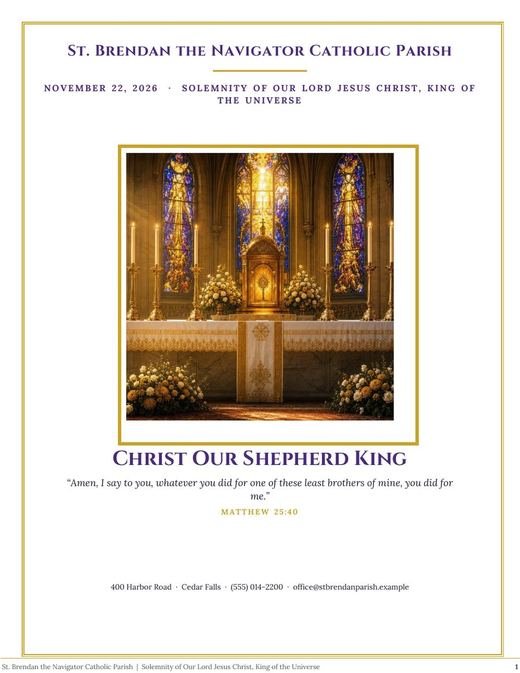
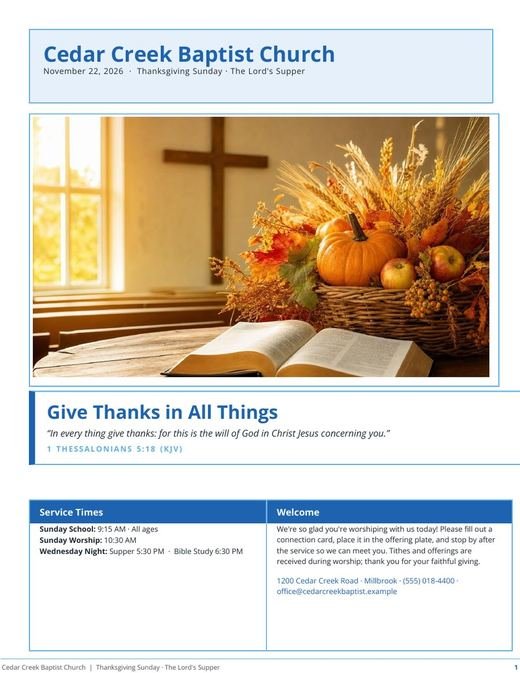

1. Gather this week’s content
Sermon title and passage or the appointed readings, hymns, those serving, announcements, prayer requests, events and any special occasion. Keep a standing list of recurring notices.
2. Choose a layout and size
A 4-page Letter bulletin folded in half is standard in the USA; A4 elsewhere. Decide your sections and keep the same order every week so people know where to look.
3. Write and lay out
Write each announcement with what, when, where and contact. Put the order of worship where people need it during the service. Don’t split items across columns.
4. Proofread and print
Check dates, times, names and hymn numbers. Print one copy, read it, then print the rest.
The three-minute version
Enter your church and website once. Each week, ask for “this week’s bulletin” and add anything new. The assistant writes, lays out and proofreads; you review and print.
Questions
What is a church bulletin?
The printed handout given at the door: the order of the service, the readings or sermon text, and the church’s news for the week.