
Church Bulletin Template for Google Docs
Google Docs is great for sharing a draft with the pastor. Download the Word copy of your bulletin, open it in Google Drive, and it becomes a Google Doc everyone can comment on. The designed PDF stays ready for printing.
How it works
- 1
Tell us your church
Denomination, name, town and website. Optional: last week’s bulletin.
- 2
The assistant researches and builds
It reads your website, saves your service times, staff and photos, and lays out the issue: usually 2 to 4 minutes.
- 3
Review, refine, print
Ask for changes in plain words. Download the PDF and the Word file. Next week: “this week’s bulletin”.
Made by the assistant
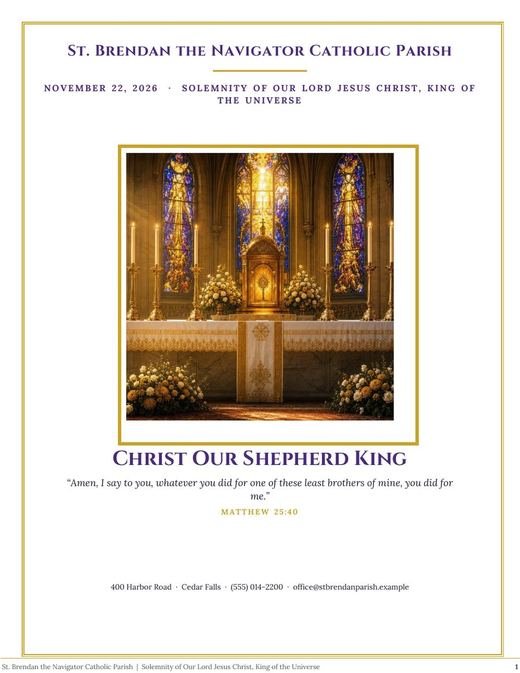
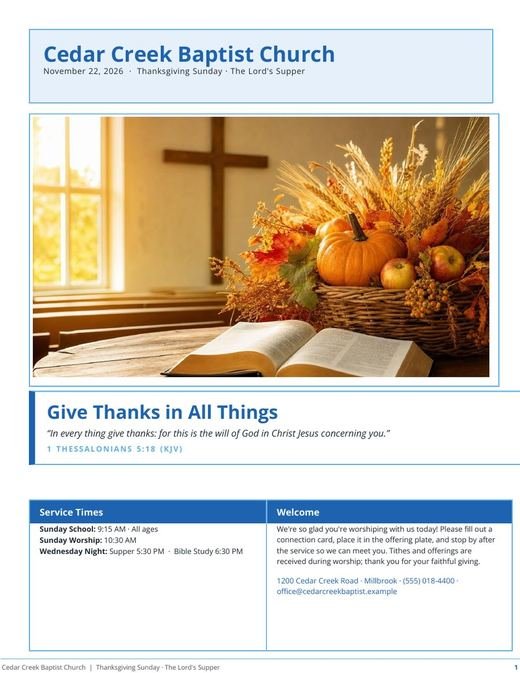

What you get
- Filled with your church’s details, not placeholders
- Opens in Google Docs from the .docx download
- Share for comments, then ask the assistant to apply changes
- Print-ready PDF for the final copy
A simple weekly routine
Monday: ask for “this week’s bulletin”. Tuesday: share the Google Doc with the pastor for comments. Wednesday: paste the changes into the chat (“move the bake sale up, add the choir rehearsal”) and download the final PDF.
Questions
Do I need a Google account?
Only to open the Word copy in Google Docs. The bulletin itself is made on our site.