Free church bulletin software for print and mobile.
Build a new bulletin in about two minutes, or upload the one you already print and turn it into an editable draft. Export a clean PDF, invite contributors and publish the phone version free.
Made for church secretaries, parish administrators, pastors and volunteers—not professional designers.
Made in the editor, printed from the PDF it produces.
Two ways to begin
Which one sounds like you?
Both roads lead to the same easy editor, where you print, publish and invite the people who send you content.
About 2 minutes
✎
I’m starting fresh
Answer a few friendly questions—your church name, tradition and the kind of bulletin you need—and we set up the usual sections for you. You never face a blank page.
1Tell us about your church
2Pick a cover and add this week’s details
3Edit, print and share
Your church stays in chargeThe starting design is only a suggestion. Once the editor opens you can reorder, rename, add or remove anything.
Upload the PDF you already print—or a clear photo of one—and we rebuild each page so every heading, picture and line can be edited. You see our version side by side with yours and approve it before anything changes.
1Upload a PDF or photo of a recent bulletin
2Put our version side by side with yours
3Approve it, then edit anything on the page
No file handy? Use your church websitePaste your website address instead and we fill in service times, contact details, staff and possibly your logo for you to check.
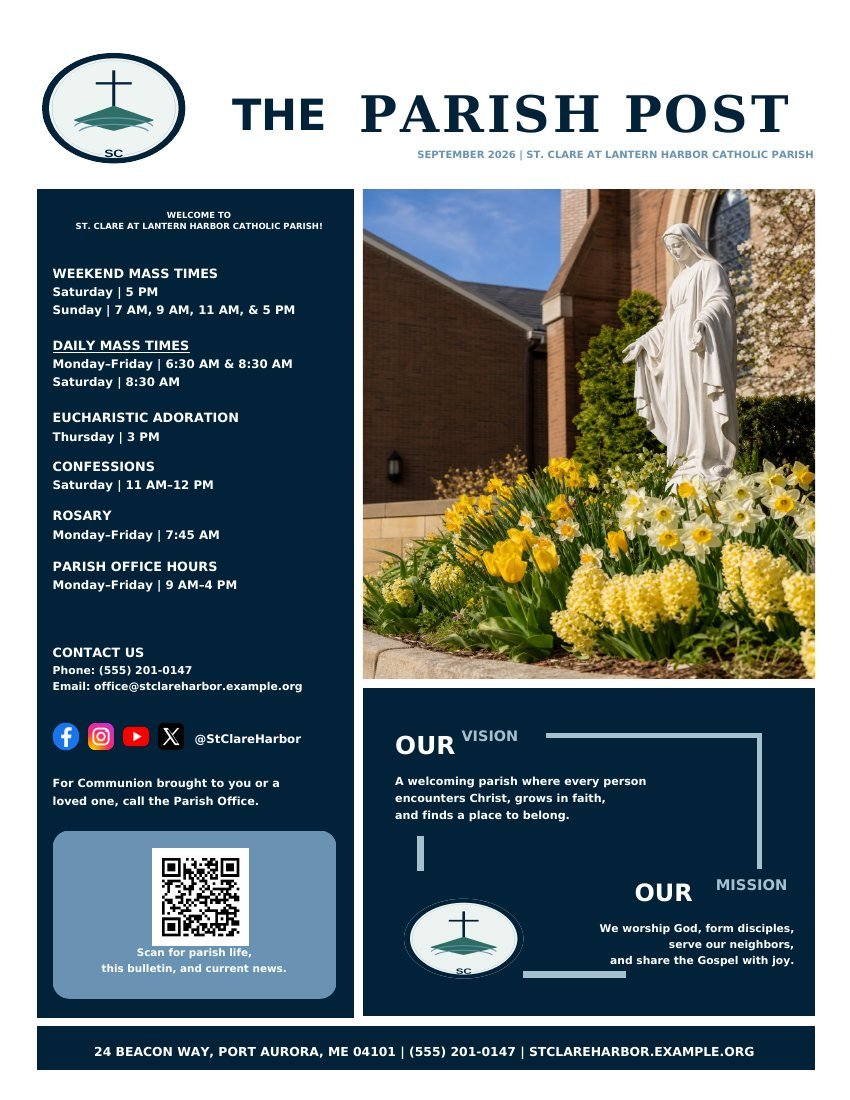
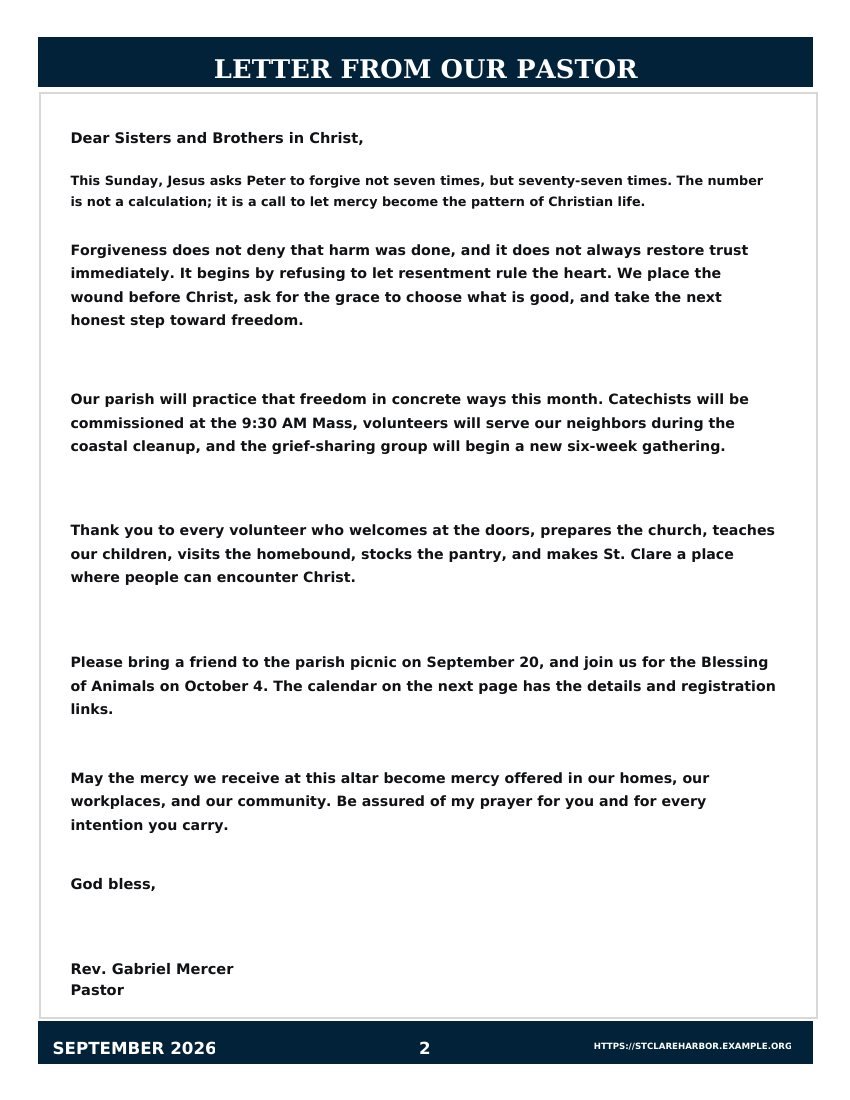
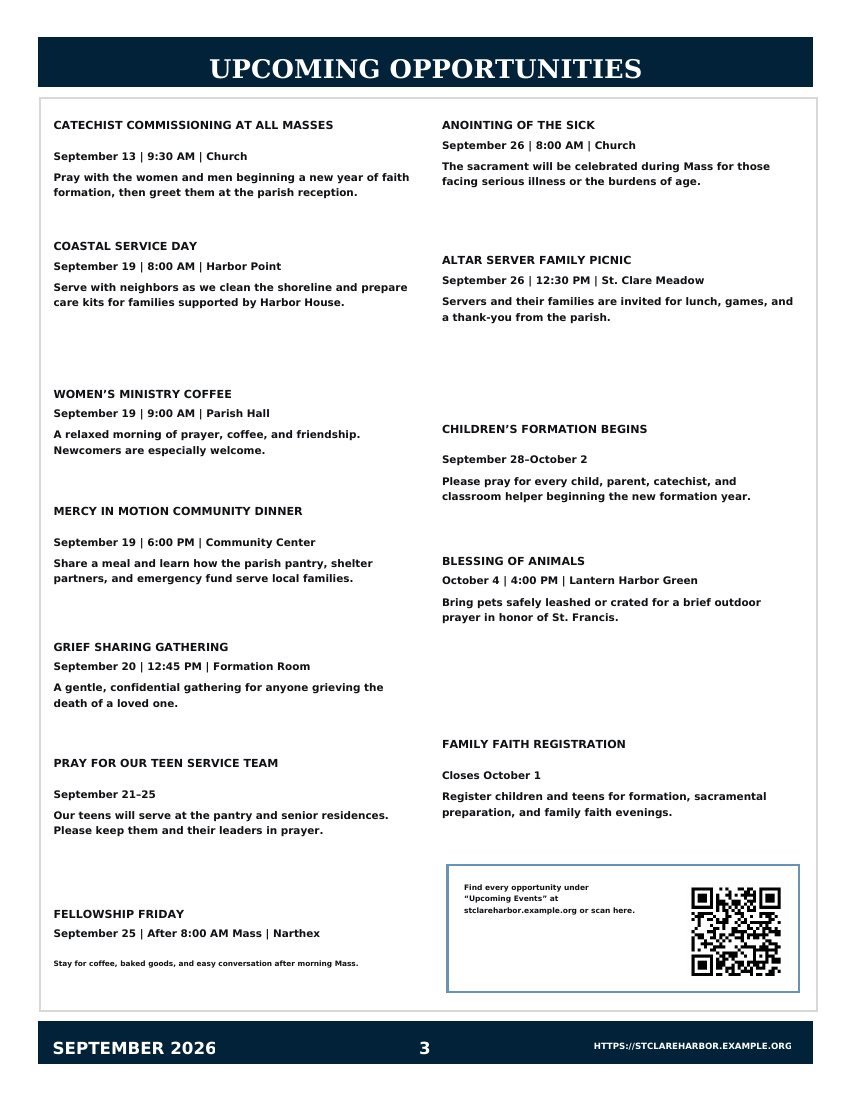
St. Clare at Lantern Harbor Catholic Parish · an invented parish, so no real church details appear
See the real editor
See a professional bulletin come together in 35 seconds.
Choose a complete page, change any word or picture, invite the people who supply content, and inspect the exact PDF before printing.
▶35-second walkthrough · no sign-in required
Press Play to watch. Use the video controls to pause, turn captions on or off, or open it full screen.
From Monday notes to Sunday copies
Your week, in four steps
The bulletin keeps its shape from week to week. Only what changed needs your attention.
01
Set up the bulletin once
Choose the bulletin type, tradition, page format and church details. Use the closest starting structure, then add or rename anything your church needs.
02
Duplicate last week
Carry forward the design, church details and existing sections for review. Update what changed instead of rebuilding pages from a blank file.
03
Collect each person’s part
Send the pastor, music director and ministry leaders a private link. Each person sees only their own section, and nobody needs to create an account.
04
Review, print and publish
Read what came in, run the four checks before printing, then produce a print-ready PDF and—if you want one—a phone version of the same bulletin.
Step 3, in practice: everyone gets one job
Send each person a private link. They see only their own part, they do not need an account, and nothing reaches the bulletin until the office says so.
Pastor or rectorDraft or revise the pastoral message and confirm the worship details assigned by the office.
Music or worship directorAdd hymn and song titles, service music, numbers, placement details and any notes the office needs.
Ministry leadersSubmit an announcement heading, body and optional action link for office review.
Church officeReview every submission, edit for space, decide what belongs in the issue and control publication.
Print the booklet and share the same thing on phones
You write it once. We prepare each version from the wording you already approved.
For the office copier
A print-ready bulletin
Letter or A4 pages, folded booklets, black-and-white printing and large-print copies—with four checks before you print so nothing lands crooked or cut off.
For every phone
A phone version
Share one link or a QR code. Phone numbers and addresses are tappable, the text is easy to read, and nobody has to download a church app.
For inboxes, screens and social
Email, lobby screen and social posts
Turn the finished bulletin into an email newsletter, a slide for the lobby TV and correctly sized posts for Facebook or Instagram—without retyping any of it.
For hearing back from people
Extras on the phone version
Add sermon notes, a connect card or an event sign-up, then see how many people scanned the code, followed a link or opened the bulletin.
Names, dates, times and Scripture references are stored as facts, not loose text. Our writing help can improve the sentences around them, but a person approves every change first. See how the writing help works →
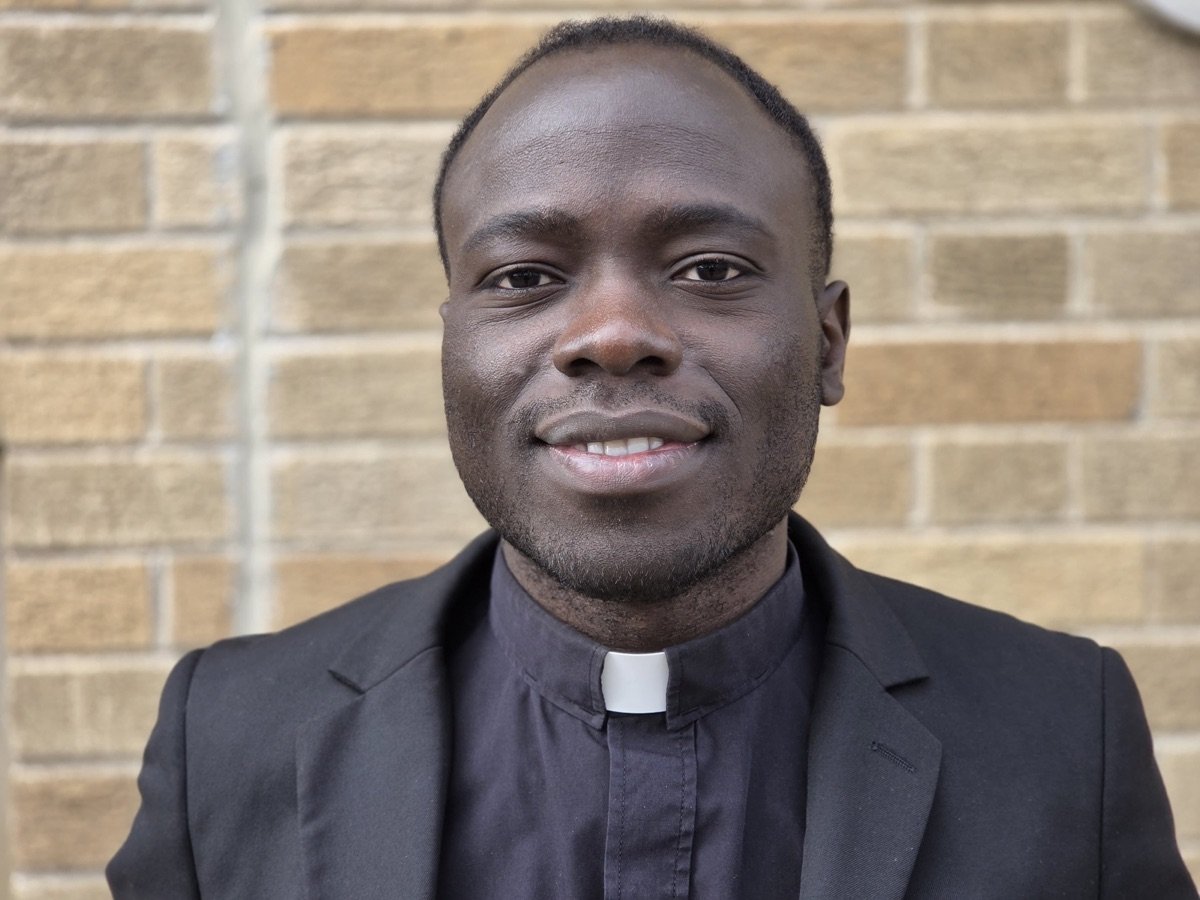
Giuseppe NjualemCatholic seminarian, Diocese of St. Thomas · Founder
Who builds this
Built by a Catholic seminarian who has worked the parish deadline.
I am Giuseppe Njualem, a Catholic seminarian for the Diocese of St. Thomas in the US Virgin Islands. During my seminary studies I was assigned to write the Sunday homilies for my pastor. That put me close to the ordinary machinery of parish life—the standing deadline, the volunteers, the details that arrive late on a Friday afternoon.
I wrote software before I entered seminary, so I started building tools for the people doing that work. This one comes from the same conviction as the others: the technology should carry the administrative weight, and the church should keep its own voice. Here, the software drafts and tidies. A person in your office still decides what is true, what belongs and what gets printed.
In formation
Seminarian for the Diocese of St. Thomas, US Virgin Islands, with parish practice during studies in Canada.
Also built for clergy
HomilyWriterAI, used by Catholic priests, and Sermon Writer AI for pastors in other Christian traditions.
The same rule everywhere
AI assists the preparation. It never replaces the prayer, the judgment or the pastoral voice behind it.
Still on Microsoft Publisher? It retires October 1, 2026.
Save one of your issues as a PDF and upload it free. The importer rebuilds it as editable pages and shows them next to the original so you can check every page before approving the reusable structure.
Two ways. Start a new bulletin and answer a few setup questions (about two minutes), or upload the bulletin you already print—or paste your church website address—and check the editable draft we prepare. Both ways end in the same editor, with print and phone versions.
Is this only a digital bulletin product?
No. The product is designed to produce a print-ready PDF and a live mobile bulletin from the same approved information.
Do contributors need full accounts?
No. The organizer can send free private links limited to specific contribution tasks.
Can we add a section the template does not include?
Yes. Add a custom section with a heading, body, optional image, link and call to action, then save it for reuse if needed.
Does AI decide our theology or worship order?
No. The church chooses its structure and approved sources. AI is an optional writing and editing assistant for appropriate content, with human approval required.
Can we include complete readings, prayers and song details?
Yes. Editors can paste full content, references and optional source or publication notes into the issue, then review everything before publishing.
Can we move an existing Publisher bulletin?
Yes. Export a representative issue to PDF, upload it to the free guided importer and approve the proposed structure. Direct .pub editing is not required for the new weekly workflow.
Next week can start from this week
Give the weekly bulletin one place to live.
Start a new one in about two minutes, or bring the bulletin you already print. Invite the people who send you content and keep print and phone together from day one.