
Church Bulletin Template for Microsoft Word
Prefer to finish in Word? Every bulletin the assistant makes comes with a .docx file containing the same content: your cover, letter, order of worship, readings, announcements, prayer list and staff, ready to edit in Microsoft Word, LibreOffice or Google Docs. The designed layout is in the matching PDF.
How it works
- 1
Tell us your church
Denomination, name, town and website. Optional: last week’s bulletin.
- 2
The assistant researches and builds
It reads your website, saves your service times, staff and photos, and lays out the issue: usually 2 to 4 minutes.
- 3
Review, refine, print
Ask for changes in plain words. Download the PDF and the Word file. Next week: “this week’s bulletin”.
Made by the assistant
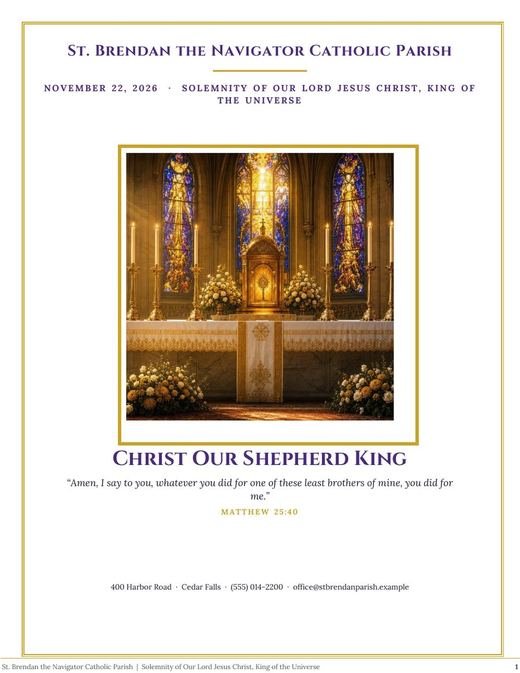
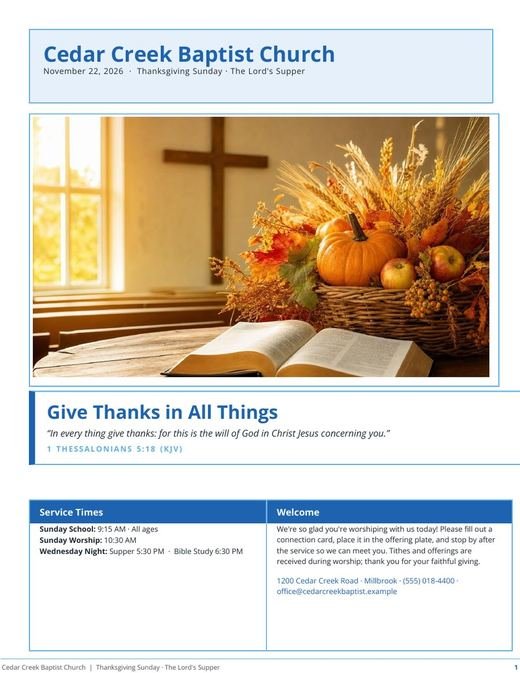

What you get
- Editable .docx with real headings and tables, not a picture of a page
- Same content as the designed PDF, so you can tweak wording and reprint
- Works in Word, Pages, LibreOffice and Google Docs
- Replaces old Microsoft Publisher bulletin files (Publisher is being retired)
Moving from Microsoft Publisher
Microsoft is retiring Publisher, and many church offices have years of bulletins in .pub files. Upload a PDF of your last Publisher bulletin and the assistant learns its sections and recurring notices, then produces the new issue as a PDF and a Word file.
Why the PDF is the designed version
Word reflows text on every computer, so complex bulletin layouts drift. The PDF keeps the design exact for printing; the Word copy is for quick edits and for offices that like to finish by hand.
Questions
Is the Word file free?
Yes, it comes with every bulletin, including on the free plan.
Can I open it in Publisher?
Publisher opens .docx files, but we recommend the PDF for printing and the Word file for edits.